Appearance
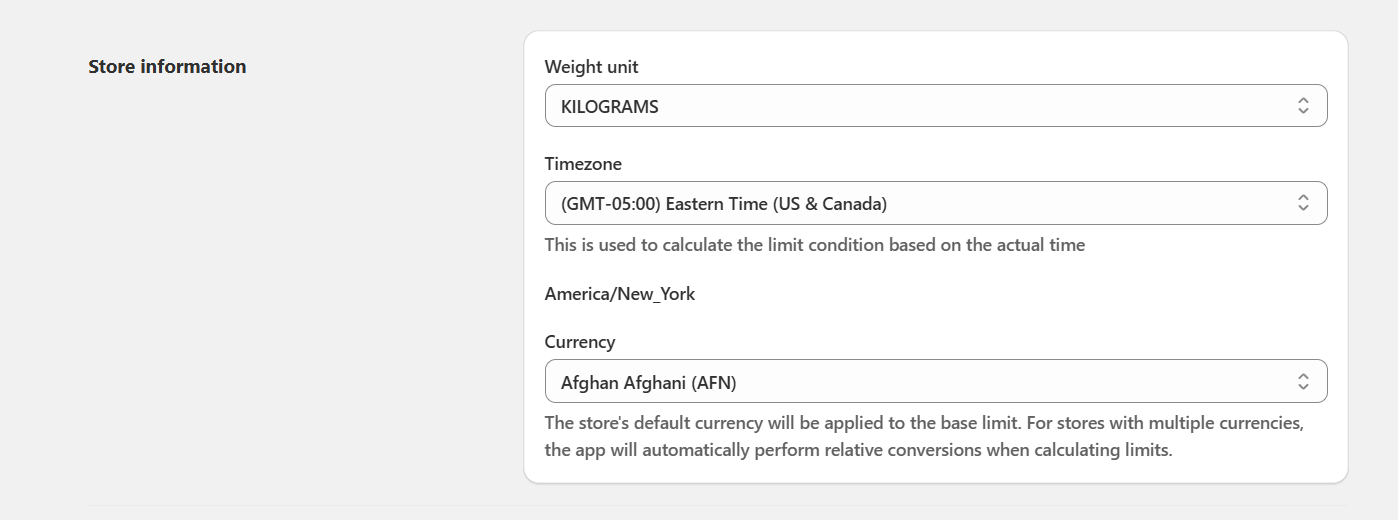
Setting store information
Manage your store’s basic settings such as weight unit, timezone, and currency for accurate limit calculations.
Here you can configure the basic store settings used by the app:
Weight unit: Select the default unit (e.g., Kilograms, Pounds). This will be used when setting up weight-based limit rules.
Timezone: Choose the correct timezone for your store. This ensures that time-based rules (start date, end date) are calculated accurately.
Currency: The store’s default currency will be applied when setting value-based limits. For stores with multiple currencies, the app automatically performs relative conversions.