
Appearance
Getting started with Uppush Order Limit Quantity Break
Hey there, welcome! 👋
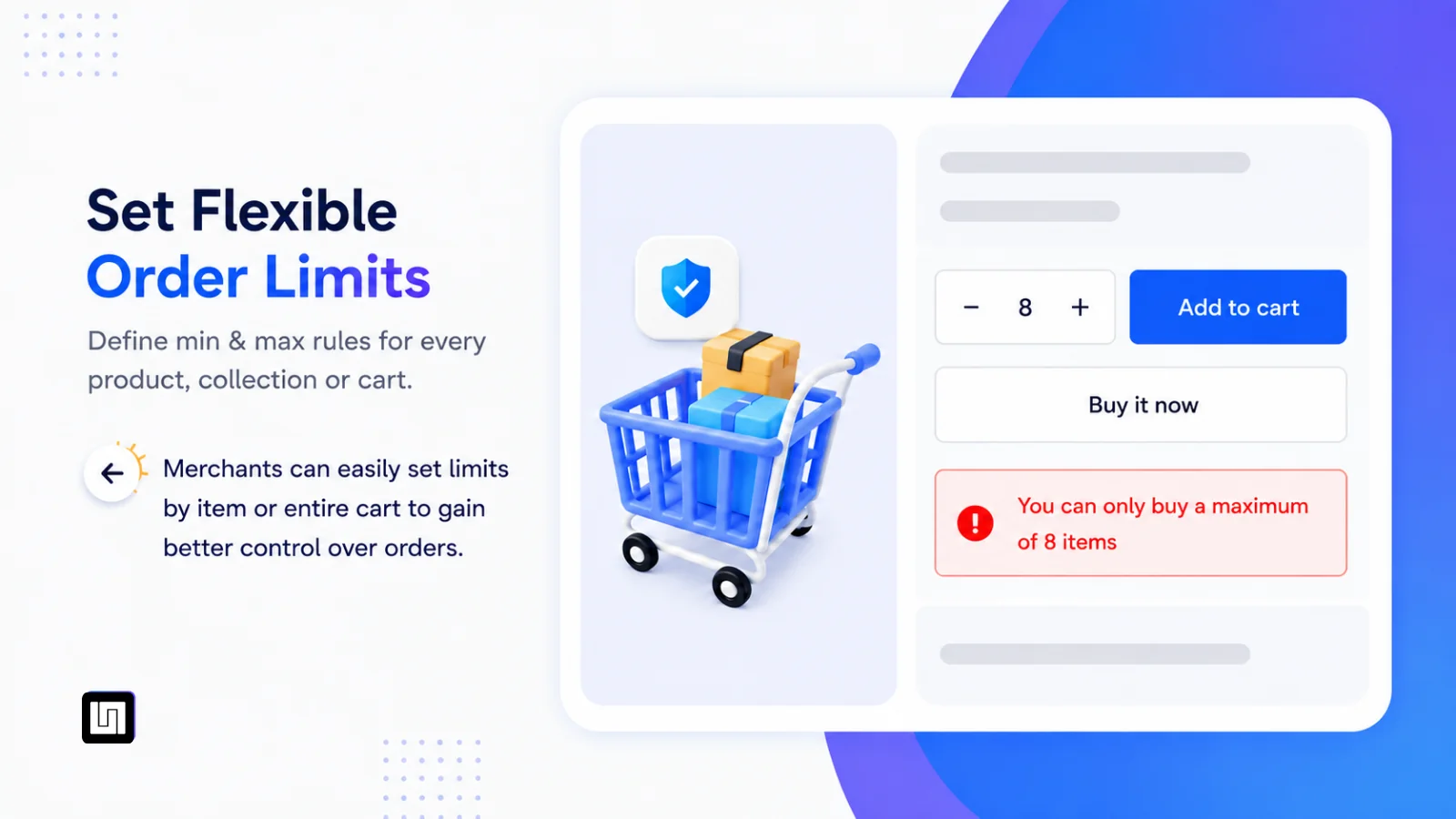
Selling on Shopify isn't just about selling more — sometimes it's about selling it right. Enough stock left for more customers during a sale. A minimum order size that keeps every sale worth fulfilling. Two products that should never end up in the same cart together.
Uppush Order Limit exists to solve exactly that — lightweight to set up, and it never touches your theme code.
What can the app control?
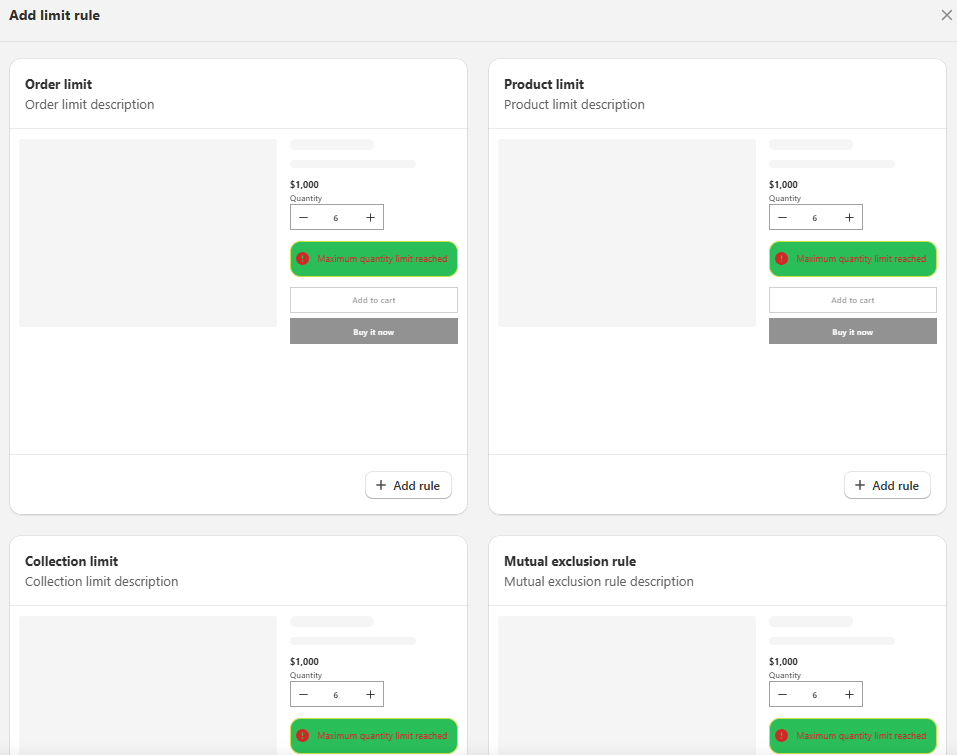
| Rule type | What it controls |
|---|---|
| Product limit | Minimum/maximum quantity a customer can buy for specific product(s). |
| Collection limit | Minimum/maximum quantity or value, counted across every product in a collection. |
| Order limit | Minimum/maximum total quantity or value for the whole cart, store-wide. |
| Mutual exclusion rule | Prevents two (or more) products/collections from being purchased together — e.g., blocking a sale item from being combined with a full-price item, or keeping incompatible bundles apart. |
Why store owners use it
- Keep sales fair. Don't let 5 customers wipe out a limited drop in one minute.
- Protect your margins. Set a minimum quantity or order value so every order is worth fulfilling.
- Encourage bulk or bundle buying. Set minimums for wholesale buyers or bundle deals.
- Stay compliant. Cap quantities on products with legal restrictions (alcohol, age-restricted items, etc.).
- Avoid promotion conflicts. Use Mutual exclusion so two offers never overlap in the same order.
How a rule works
- Open the Dashboard — see all your active rules at a glance, or start from the Quick setup guide if you're new here.
- Choose a rule type — Product, Collection, Order, or Mutual exclusion.
Not sure which one to use? See Rule types explained for a detailed comparison and examples - Pick what it applies to — specific products, a collection, or the whole cart.
- Set the condition — minimum/maximum quantity and/or value.
- Customize the message — write what customers see when they hit the limit (Customize limit message).
- Turn on theme extension & checkout validation — so the rule shows correctly on your storefront and actually blocks checkout when needed (Theme extension, Adding a checkout validation).
Where to start
Most merchants start with one of these two:
- Cap a hot product → Create product limit
- Set a minimum order value → Create order limit
From there, layer on Collection limit and Mutual exclusion as your store's needs grow.
Don't forget
- Fill in your Store information — some rules need it to work correctly.
- Got questions? Check the FAQ — especially Product limit vs Collection limit vs Order limit if you're not sure which rule fits your case.